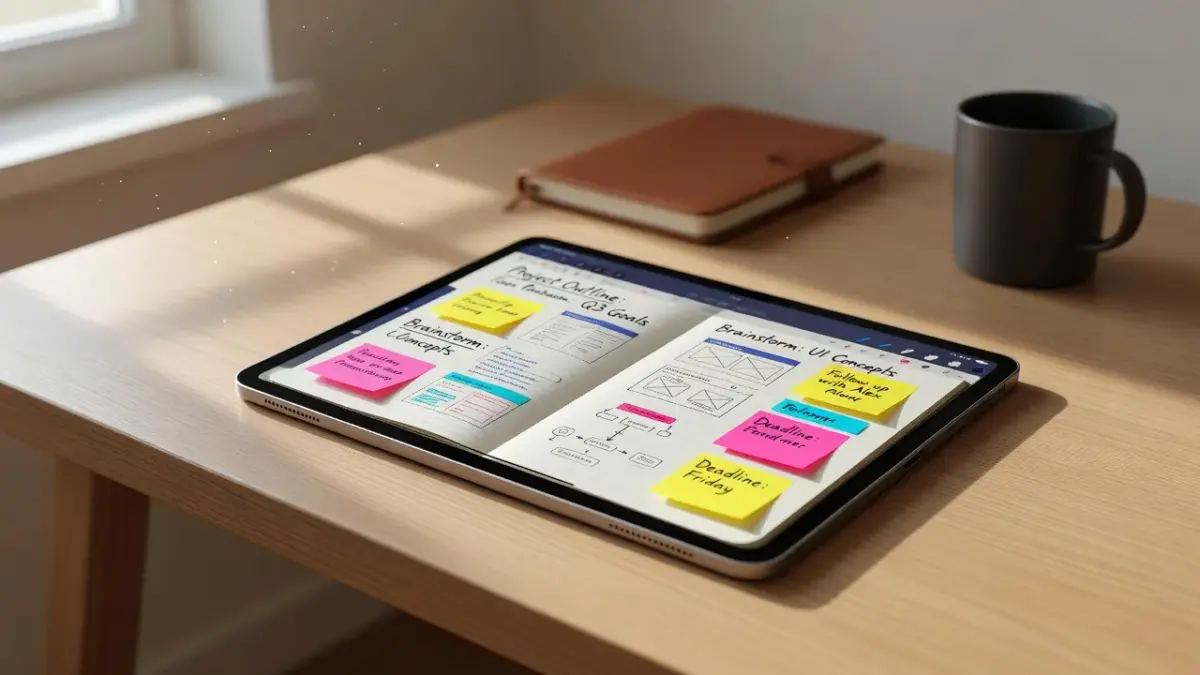
Goodnotes is a digital note-taking application for iPad, iOS, macOS, Windows, and Android that replaces physical notebooks with searchable vector ink, folder structures, and PDF markup tools. Unlike standard text editors, it focuses heavily on stylus-based handwriting and document organization. While it excels at keeping lecture notes and planner templates neat, students often realize mid-semester that storing neat notes does not automatically mean understanding complex formulas, leading many to pair their digital binders with specialized problem-solving tools. For iPhone and iPad users looking for immediate step-by-step homework breakdowns from a photo, our app ThinkAssist handles the explanation side that traditional note-taking apps leave untouched.
What most students get wrong when purchasing note-taking software is assuming that an expensive app will organize their study habits automatically. Buying a subscription without checking cross-platform limitations often leads to sync failures across devices, wasted money, and last-minute exam panic.
What do GoodNotes 6 reviews say?
Goodnotes 6 reviews highlight intelligent handwriting spellcheck and a refreshed canvas interface, but heavily criticize the shift from a one-time payment model to an annual subscription.
When version 6 launched, the developer updated the core interface with customizable folder icons, color-coded notebook covers, and AI-driven handwriting corrections. According to the official Goodnotes pricing page, users can select either an annual subscription tier ($9.99/year as of late 2026) or a one-time payment option ($29.99 for Apple-only access).
The main points raised in modern user reviews center around three major areas:
- AI Pen Features: The software can check handwritten math equations and auto-correct misspelled handwritten words using your own digital ink style.
- Pricing Frustration: Legacy users who paid for Goodnotes 5 dislike paying extra for AI features they might not use daily.
- Platform Locks: The single one-time payment option does not grant full access to Windows or Android devices, requiring an active multi-platform subscription instead.
If you spend hours writing out complex equations, keeping your canvas tidy is only half the battle. Many students organize their handwritten notes inside Goodnotes and then consult dedicated study solvers when they run into difficult step-by-step proofs.
What are the strengths and weaknesses of GoodNotes?
The primary strength of Goodnotes is its responsive vector-ink engine and classic notebook-folder structure, while its main weaknesses include poor Android feature parity and aggressive cross-platform paywalls.
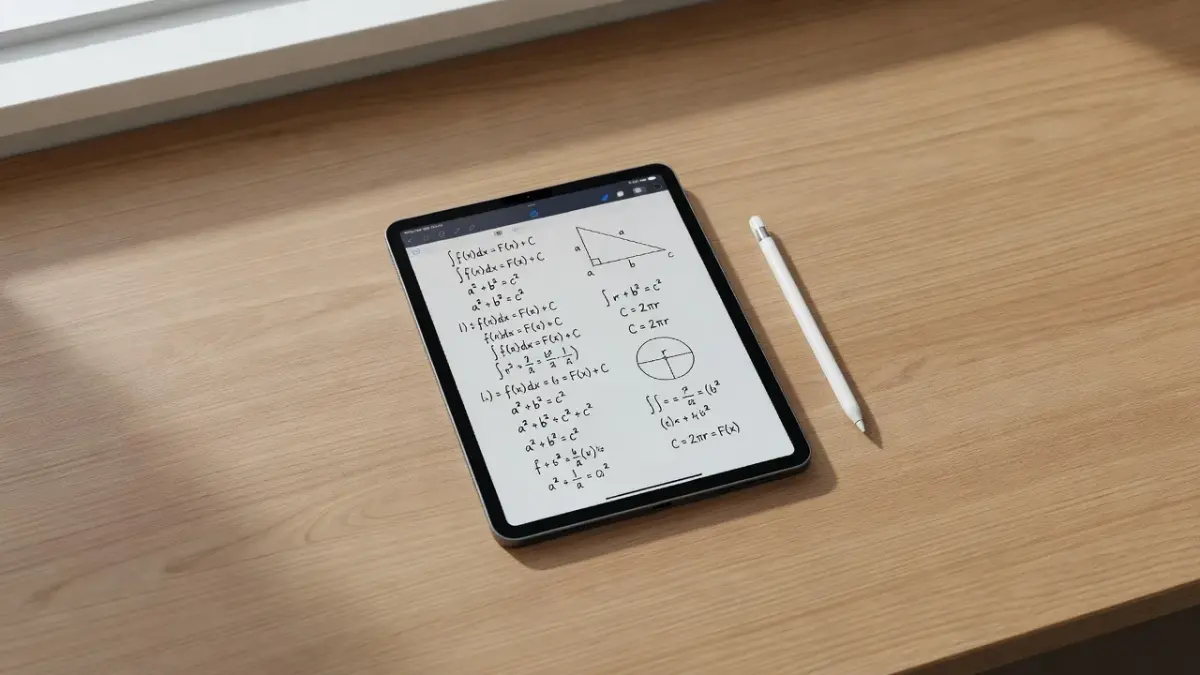
Understanding where the software excels and where it fails prevents you from choosing the wrong tool for your coursework. If your classes rely heavily on drawing chemical structures or formatting a chemistry notes setup, vector ink allows you to resize handwriting without losing crisp line quality.
Goodnotes Strengths
- Vector-Based Handwriting: You can select, scale, rotate, and recolor any stroke without quality degradation or fuzzy edges.
- Folder and Notebook Hierarchy: Files use nested folders and customizable paper templates (grid, dotted, Cornell, planner pages).
- Global Handwriting OCR: Search indexing allows you to search for handwritten keywords across every notebook in your digital shelf.
- PDF Annotation Engine: Importing massive 500-page textbooks happens quickly with smooth scrolling and side-by-side tab views.
Goodnotes Weaknesses
- Unequal Android and Windows Support: The non-Apple versions run inside a web-wrapper framework, causing noticeable lag and missing core offline features.
- Subscription Friction: Essential cloud sync capabilities across non-Apple devices require recurring payments rather than simple local backups.
- No Native Audio Syncing: Unlike competing audio-first apps, audio recording in Goodnotes lacks deep historical transcript linking for older imported notes.
How does GoodNotes compare to Notability?
Goodnotes uses a traditional binder-and-folder file structure optimized for PDF markup, whereas Notability relies on a single-stream list hierarchy with continuous audio-to-ink synchronization.
Choosing between these two apps comes down to how your brain prefers to index information. Goodnotes feels like laying out physical paper notebooks on a desk, while Notability feels like a continuous stream of vertical documents tied to voice recordings.
The table below breaks down how popular study tools match different student workflows:
| Application | Best Reader Fit | Core Focus | Platform Support | Pricing Model (2026) |
|---|---|---|---|---|
| Goodnotes 6 | Students who prefer structured binder layouts and PDF textbook marking | Digital handwriting and vector notebook management | iOS, macOS, Windows, Android (Web-based) | Free tier; $9.99/yr or $29.99 one-time (Apple only) |
| ThinkAssist | Students needing instant step-by-step problem explanations from a quick photo | AI-powered homework solving and step-by-step subject explanations | iPhone and iPad | Free download; $6.99/week or $29.99/year |
| Notability | Students who record live lectures while typing or sketching lightweight notes | Audio recording synced directly to handwritten ink strokes | iOS, iPadOS, macOS | Free tier; ~$14.99/yr subscription |
| Apple Notes | Quick text jotting, basic checklists, and casual scanning without extra cost | Simple text and ink storage built directly into Apple hardware | iOS, iPadOS, macOS, Web | Included free with Apple devices |
While Goodnotes handles physical paper replacement, it will not explain how to solve an equation when you review your binder late at night. That functional gap is why many students keep a dedicated solver tool alongside their primary note app.
When Digital Handwriting Needs Real-Time Problem Solving
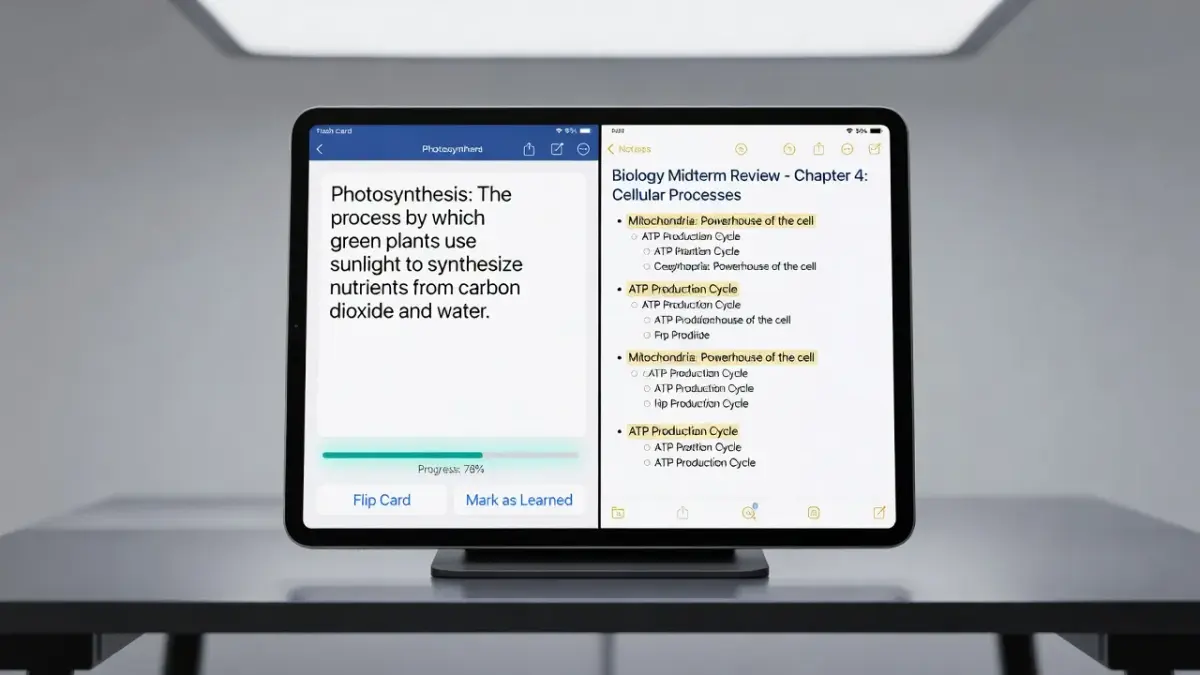
Digital notebooks store what you write, but they cannot explain step-by-step solutions when you get stuck on a difficult homework problem.
A clean notebook page is useless if the formulas written on it make no sense. While Goodnotes 6 offers simple math spellcheck for basic algebraic typos, it does not act as a full-subject tutor when you are preparing for exams.
If you find yourself staring at incomplete lecture notes, pairing your iPad binder with an active solver app bridges the gap between passive note storage and actual comprehension:
- Instant Photo Analysis: Instead of copying a problem by hand into a digital notebook, you snap a photo to view the full logical breakdown.
- Textbook-Quality Layouts: Math equations, fractions, and physics constants display in clean, readable formats rather than messy ink handwriting.
- Automatic Subject Tagging: Keeps your saved explanations organized by course without requiring manual folder setup.
For students who need clear step-by-step explanations across math, science, and humanities, ThinkAssist acts as a 24/7 tutor on your iPhone or iPad. It takes seconds to process a photo of printed or handwritten homework, showing you why an answer works so you can write the correct steps into your Goodnotes binder.
YOUR DAILY STUDY FLOW
The steps run in order from top to bottom, and each one points down to the next.
- GOODNOTES: Store lecture slides, PDFs, & canvas sketches
- THINKASSIST (iPhone / iPad): Snap stuck problems for step-by-step logic
- RECALL & REVISION: Write correct proofs back into your notebook
If you are currently evaluating your toolkit, consider trying ThinkAssist alongside your note app to cut down on late-night study frustration.
What do users say about GoodNotes in App Store reviews?
App Store reviewers consistently praise Goodnotes for its precise Apple Pencil response and rich paper customization, but frequently complain about battery consumption and occasional cloud sync delays.
On the Apple App Store Goodnotes page, the application maintains a high average rating across hundreds of thousands of user entries. However, detailed written feedback reveals distinct themes depending on whether the reviewer is a high school student, graduate researcher, or digital planner enthusiast.
High ratings regularly mention:
- Low Stylus Latency: Writing feels smooth on iPad models, especially when paired with matte screen protectors.
- Custom Template Importing: Users love importing third-party PDF planners, stickers, and hyperlinked hyper-notebooks.
- Ecosystem Integration: iCloud sync moves notebooks between an iPad, iPhone, and Mac with minimal setup.
Critical reviews routinely point out:
- Thermal Throttling & Battery Drain: Extended handwriting sessions cause older iPads to warm up and drain battery charge quickly.
- Version Transition Confusion: Users upgrading from Goodnotes 5 to Goodnotes 6 report frustration over paywalled features and pop-up upgrade prompts.
If you struggle to stay organized throughout the term, combining structured digital notebooks with dedicated assignment and study tracker apps helps keep deadlines clear.
What do Reddit users say about GoodNotes?
Reddit discussions on r/iPad and r/GoodNotes frame Goodnotes as the top choice for PDF document management, though threads heavily caution buyers against using it on non-Apple operating systems.
Community commentary on Reddit provides an unedited view of long-term reliability. A common consensus among active student redditors is that Goodnotes remains superior for structural organization compared to generic note apps, but users express fatigue over modern software subscription pricing.
Key takeaways from student discussions on Reddit include:
- Goodnotes 5 Legacy Loyalty: Many redditors deliberately refuse to upgrade to Goodnotes 6, opting to stay on version 5 to avoid recurring annual subscription fees.
- PDF Handling Dominance: Users repeatedly recommend Goodnotes over competitors for marking up heavy digital textbooks and slide decks.
- Search Reliability: Students highlight the ability to search messy cursive handwriting as a saving grace during open-book study sessions.
Reddit threads also emphasize that having neat notes is only half of effective learning. When handwritten formulas become confusing, checking your work using a tested app to solve math problems ensures you are not memorizing wrong steps.
What do Google Play reviews say about GoodNotes on Android?
Google Play reviews for Goodnotes on Android report a significantly worse user experience than the iPad version, citing severe input lag, web-wrapper slowness, and missing offline functionality.
As documented on the official Google Play Store Goodnotes page, Android users rate the application considerably lower than Apple users. The core issue stems from the underlying software architecture. While the iOS version was built natively for Apple silicon, the Android release relies heavily on progressive web technologies.
Android store reviews consistently call out the following defects:
- Input Lag: Stylus strokes lag behind the pen tip on Galaxy Tab and Lenovo tablets, making natural handwriting feel awkward.
- Mandatory Internet Connection: Because the Android version runs as a cloud-dependent web framework, offline note editing is unreliable or completely unavailable.
- Missing iOS Features: Key capabilities available on iPad, such as advanced shape recognition, precise element cropping, and full offline export options, are absent on Android.
If you are working strictly within an Android or Windows environment, buying Goodnotes based on iPad reviews often leads to disappointment. Android users are usually better served by native Android note applications.
Frequently Asked Questions
Is GoodNotes 6 free or do I need a subscription?
Goodnotes 6 is free to download with limits, but requires a paid upgrade for unlimited notebooks and advanced features. The free tier limits you to three digital notebooks. Unlocking unlimited binders requires either an annual subscription ($9.99/year) or a one-time payment ($29.99 for Apple platforms only).
Can Goodnotes automatically solve my math homework?
No, Goodnotes offers basic handwriting spellcheck and equation error detection, but it does not provide full step-by-step problem solutions. It flags typos in math expressions rather than solving them. For complete step-by-step breakdowns, students use dedicated AI solver apps.
Can I transfer my Goodnotes notebooks from iPad to Android?
Yes, but cross-platform syncing requires an active Goodnotes multi-platform subscription and a Goodnotes account. Syncing is not handled through standard iCloud on Android, and performance on non-Apple devices is cloud-dependent.
What is the difference between Goodnotes 5 and Goodnotes 6?
Goodnotes 6 introduces interactive AI ink tools, handwriting spellcheck, customizable folder aesthetics, and a new pricing structure. Goodnotes 5 was a traditional one-time purchase, whereas Goodnotes 6 pushes toward an annual subscription model.
Does Goodnotes work offline on iPad?
Yes, Goodnotes operates fully offline on iPad, iPhone, and Mac. All handwriting, vector strokes, and PDF edits are saved locally to your device and sync to iCloud whenever internet connectivity is restored.
Is Goodnotes worth it for college students in 2026?
Yes, Goodnotes remains one of the best digital notebook apps for iPad users who take extensive handwritten notes or annotate PDFs. However, non-Apple users or students looking for automatic homework solutions should look at alternative apps tailored to their specific platform or study needs.